Create a virtual card
Steps:
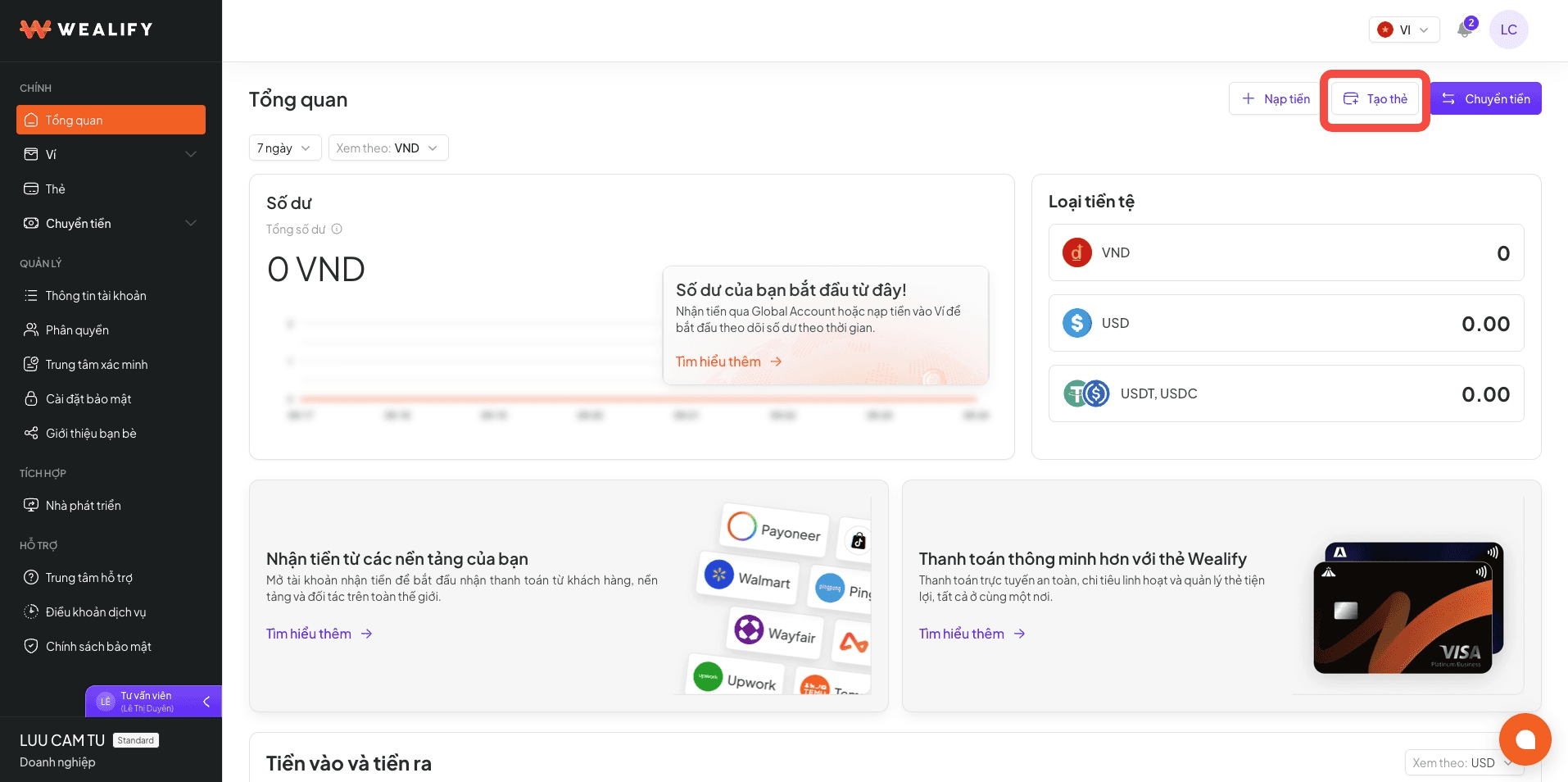
Click Create card (on the Cards or Overview screen).
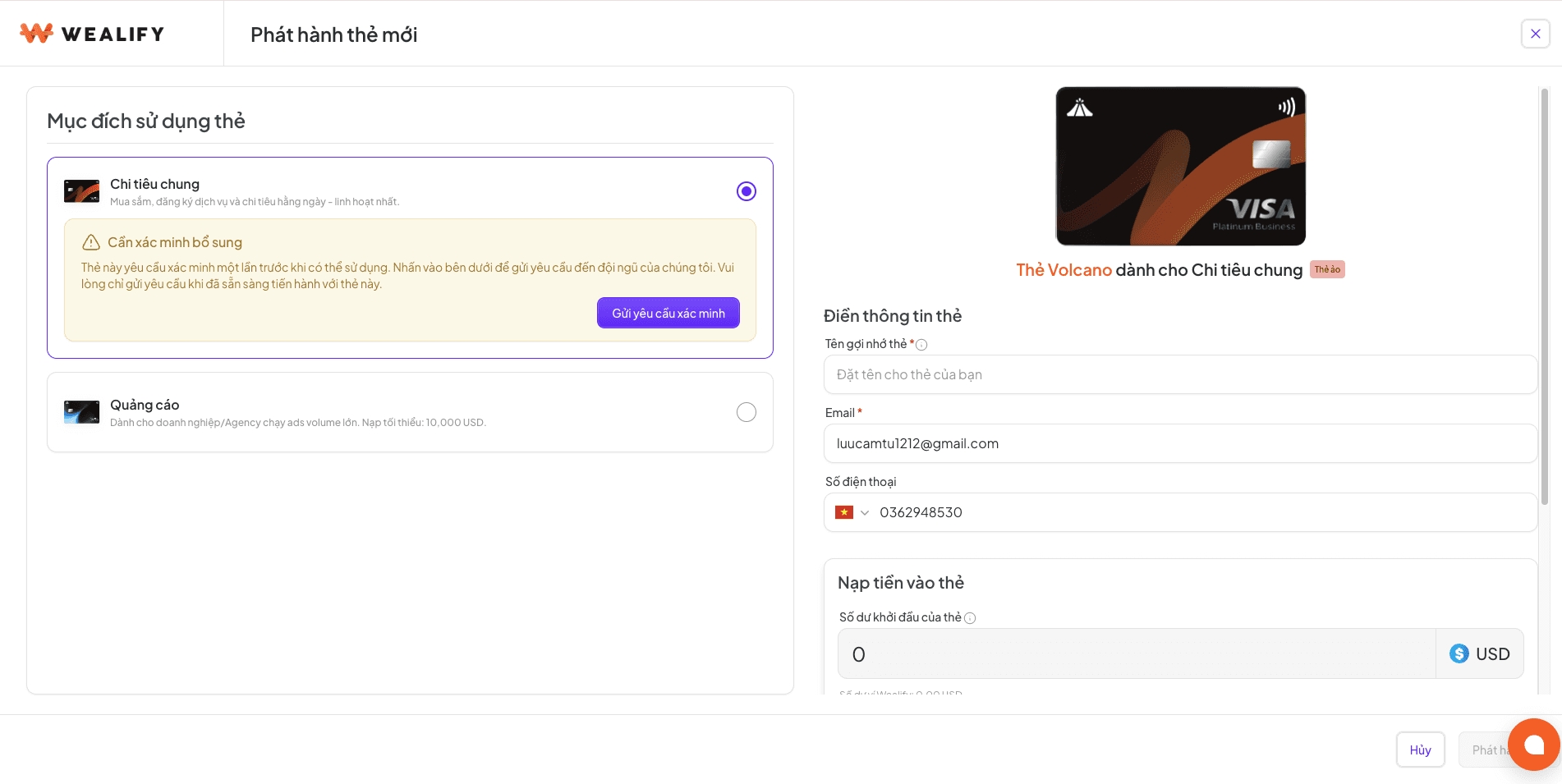
Choose the Card purpose: General spending (Volcano) or Advertising (Zenith). For your first General spending card, complete the additional verification first.
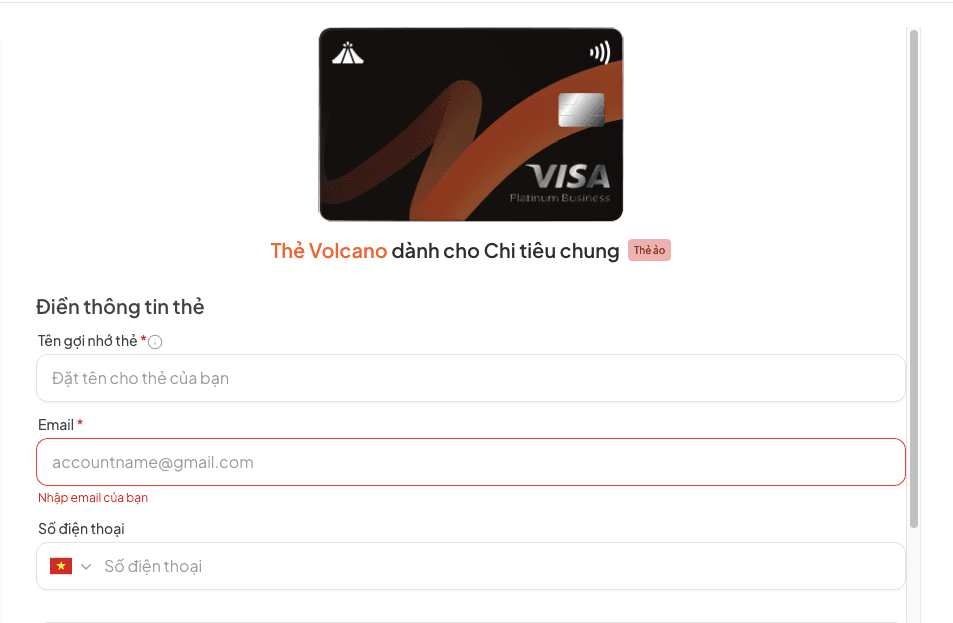
Fill in your information:
Card nickname (required) — helps you tell your cards apart
Email (required) — pre-filled from your profile, editable before issuance. This is the email that receives verification codes when you pay online
Phone number
Enter the Card starting balance, or tap a quick option: 500 / 1,000 / 2,000 / 5,000.
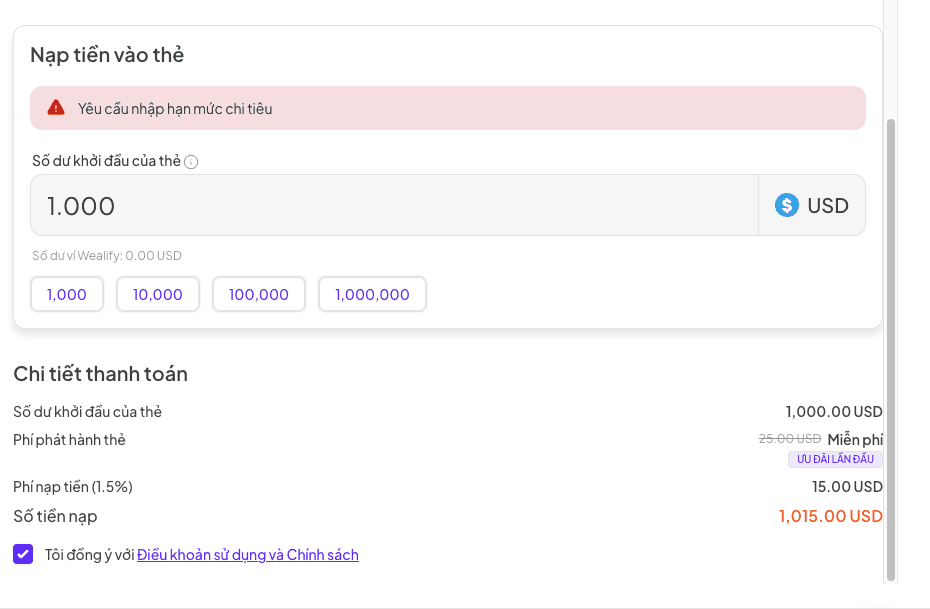
Check the Payment details section: starting balance, card issuance fee, top-up fee and total deducted from your Wallet.
Tick to accept the terms and click Issue card.
Result: the card is Active right away. Your Wealify wallet is charged the top-up amount plus fees. You receive the email "Your card is ready" and an in-app notification.
⚠️ 3 DETAILS YOU CAN'T CHANGE AFTER ISSUANCE
The card's email and phone number. Use an email you check often — this is where verification codes arrive when you pay.
The card purpose.
Every card you create counts toward your tier's card limit, even if you cancel it later.
If you can't create a card:
Situation | What to do |
|---|
"Insufficient balance" message | Top up USDT / USDC to the Stablecoin wallet, then try again |
Issuance failed | The money deducted is refunded to your Wealify wallet immediately. Try again later, or contact Wealify CS |
The Create card button is locked | Your account has reached its tier's maximum number of cards, or has outstanding card fees |
View the card number, CVV and expiry date
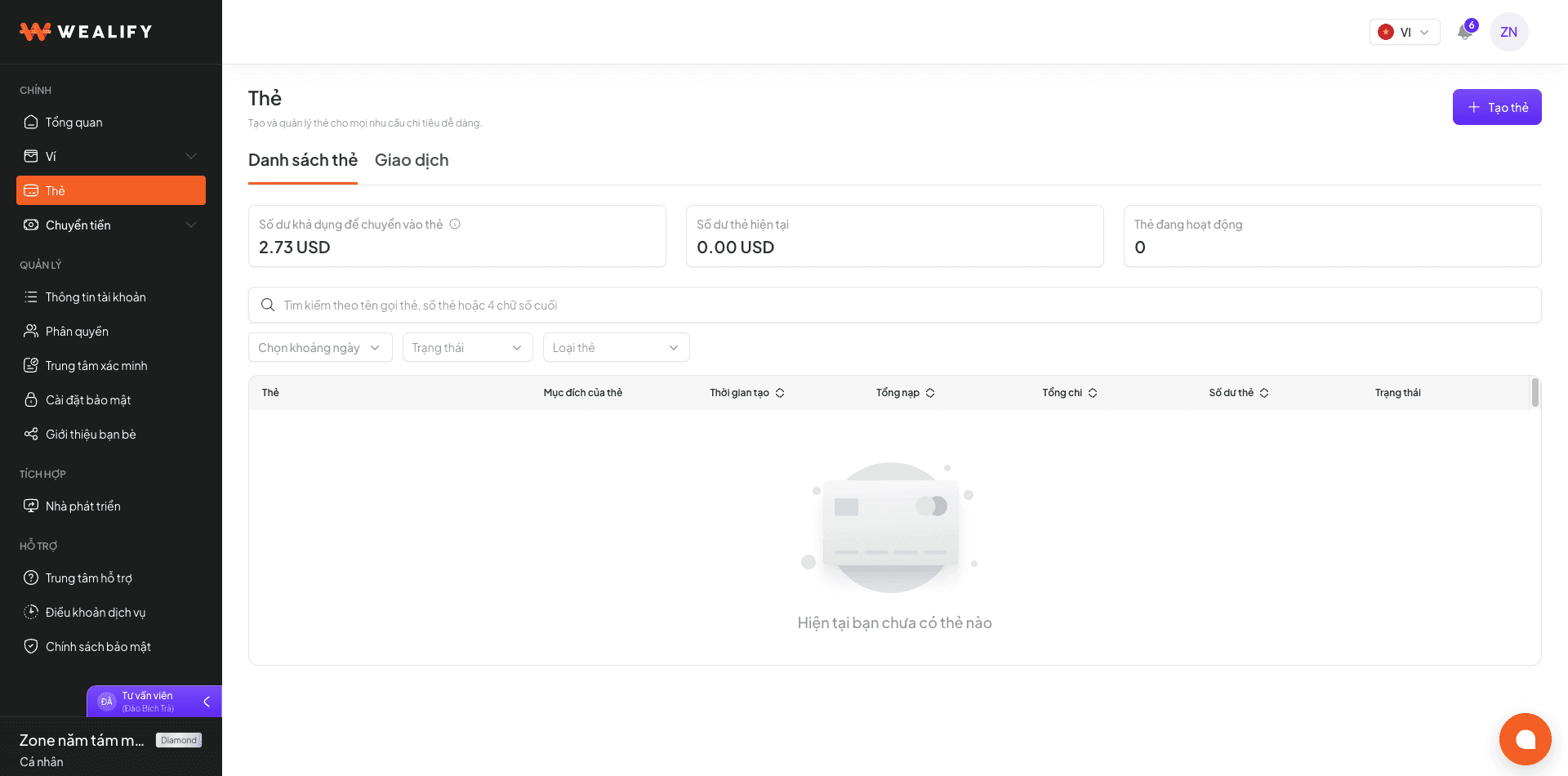
Go to the Cards menu and click a card in the Card list to open the card details panel on the right.
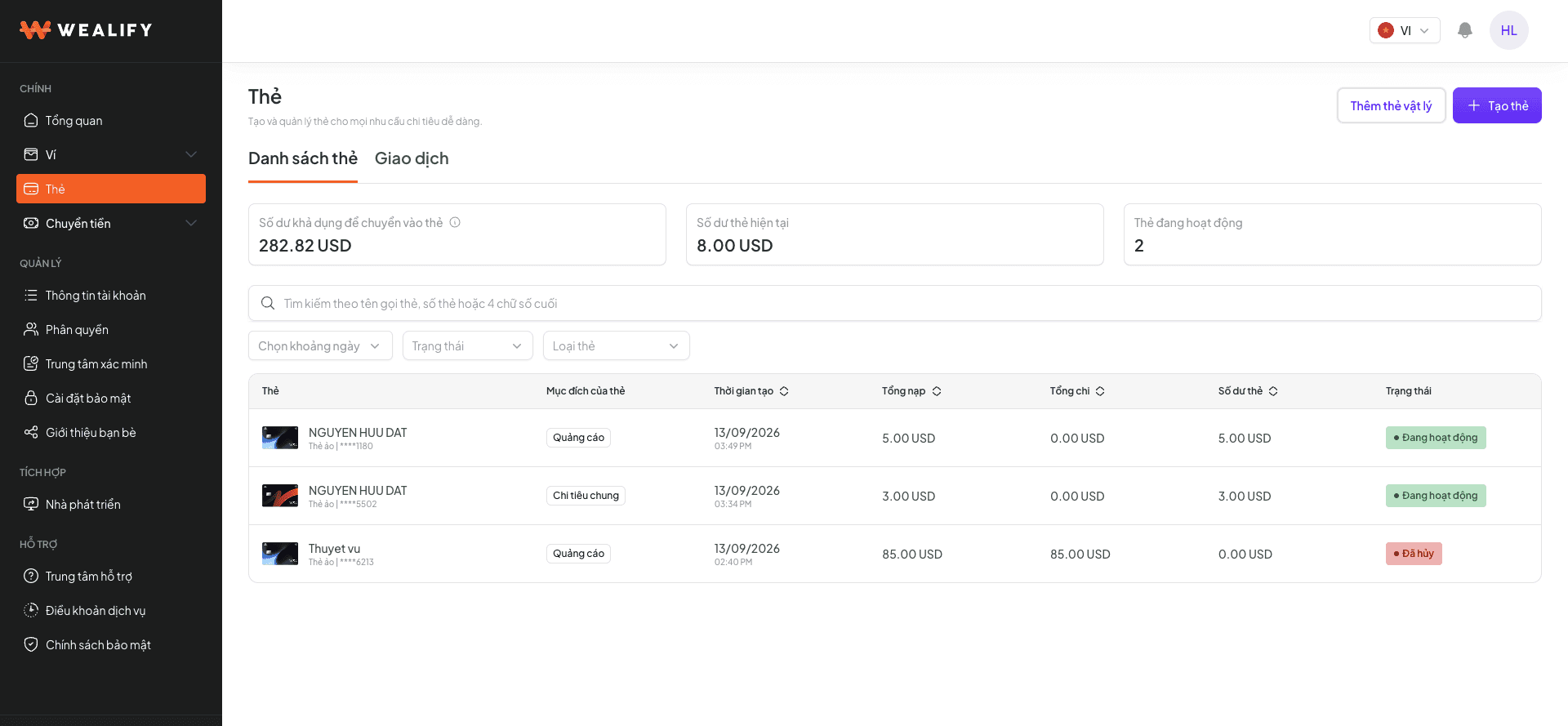
Click View card details.
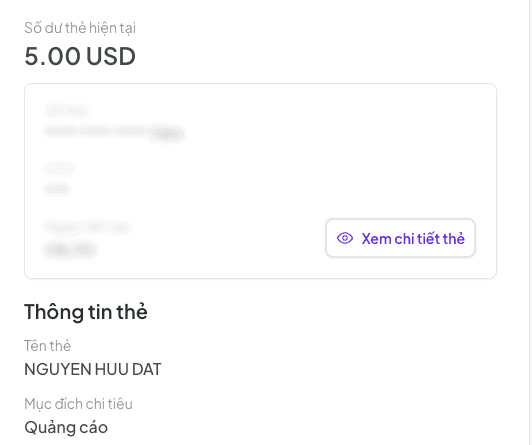
Enter the OTP code sent to your email. The card number, CVV and expiry date are shown in full, with copy buttons.
Notes about the OTP code | Details |
|---|
OTP validity | 90 seconds. You can request a new one after 30 seconds |
Wrong OTP | After 5 wrong attempts, viewing is locked for 30 minutes |
The card is temporarily frozen | The card number and CVV can't be viewed |
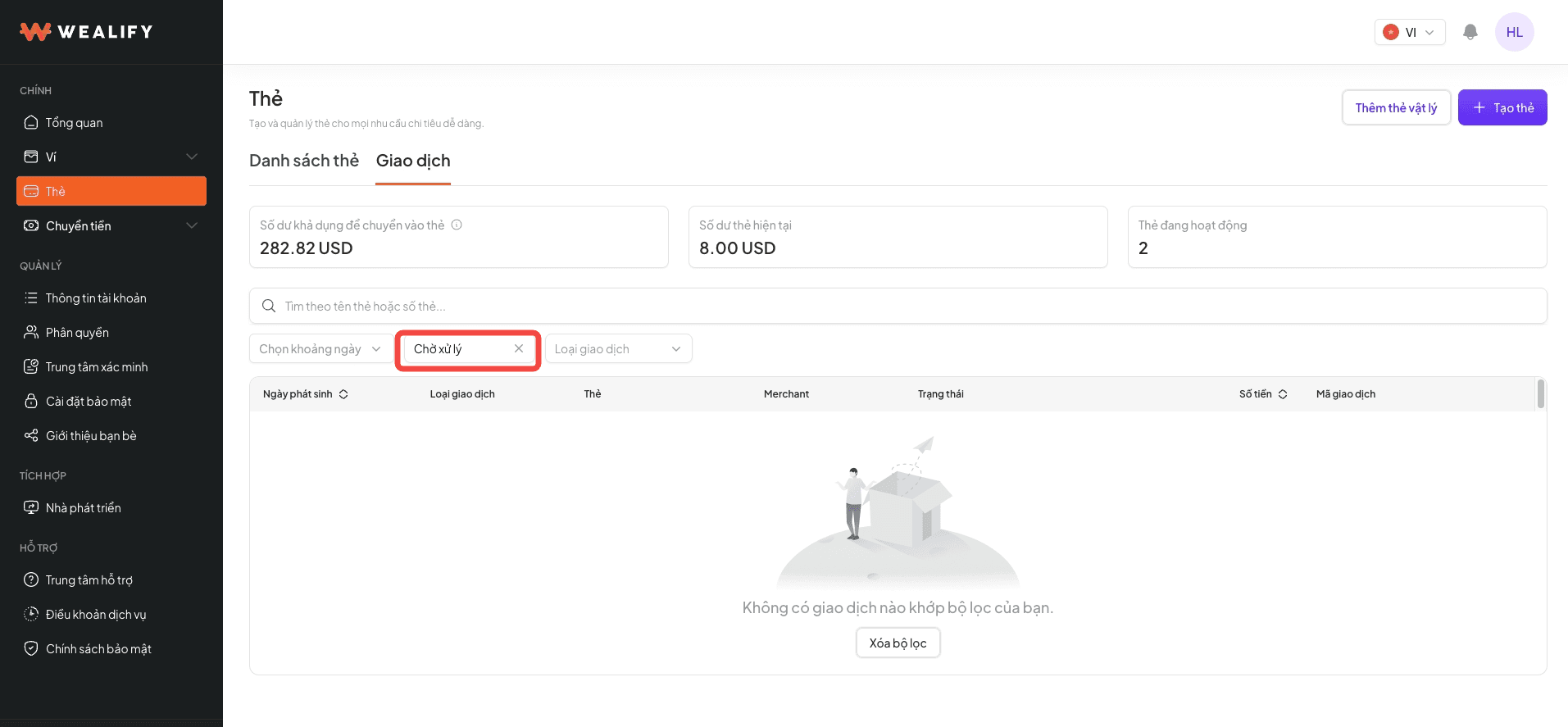
Find a card | Search by name, card number or last 4 digits; filter by creation date, status and card type |
Card validity: cards are valid for a number of years, usually about 4–5 years. The expiry date is set by the card issuing partner, so it may differ by card type — you can see the expiry date right in the card information. For cards that are about to expire or have expired, please contact Wealify CS for guidance.
Want to change the card's email? The card's email and phone number can't be edited after issuance. If you need to use a different email, create a new card with the new email, then withdraw the balance from the old card to your Wealify wallet or cancel the old card.
To change the phone number or password of your Wealify account (not the card's details), go to Account information → Edit.
🔒 KEEP YOUR CARD DETAILS SECURE
Never share your card number, CVV or OTP code with anyone. Wealify will never ask for this information. Only enter your card details on payment pages you trust.
Card statuses
Status | Meaning | Set by | Spending | Top up / withdraw | What you need to do |
|---|
Active | The card works normally | — | Yes | Yes | — |
Pending | The card request has been sent to the issuing partner and is waiting to be completed | System | No | No | Wait for the card to be issued. If it stays in this status for more than 1 day, contact Wealify CS |
Frozen | The card is temporarily frozen; the balance is kept | You, or the system when there is an overdue balance | No | No | Click Unfreeze card |
Cancelling | The cancellation request is being processed | You | No | No | Wait |
Cancelled | The card is permanently closed; the balance has been refunded to your Wealify wallet | You | No | No | Create a new card if needed |
⚠️ A CARD CAN BE FROZEN WITHOUT YOU DOING ANYTHING
If card fees remain unpaid for more than 7 days, all active cards are temporarily frozen and unfreeze automatically once you pay.
Top up a card
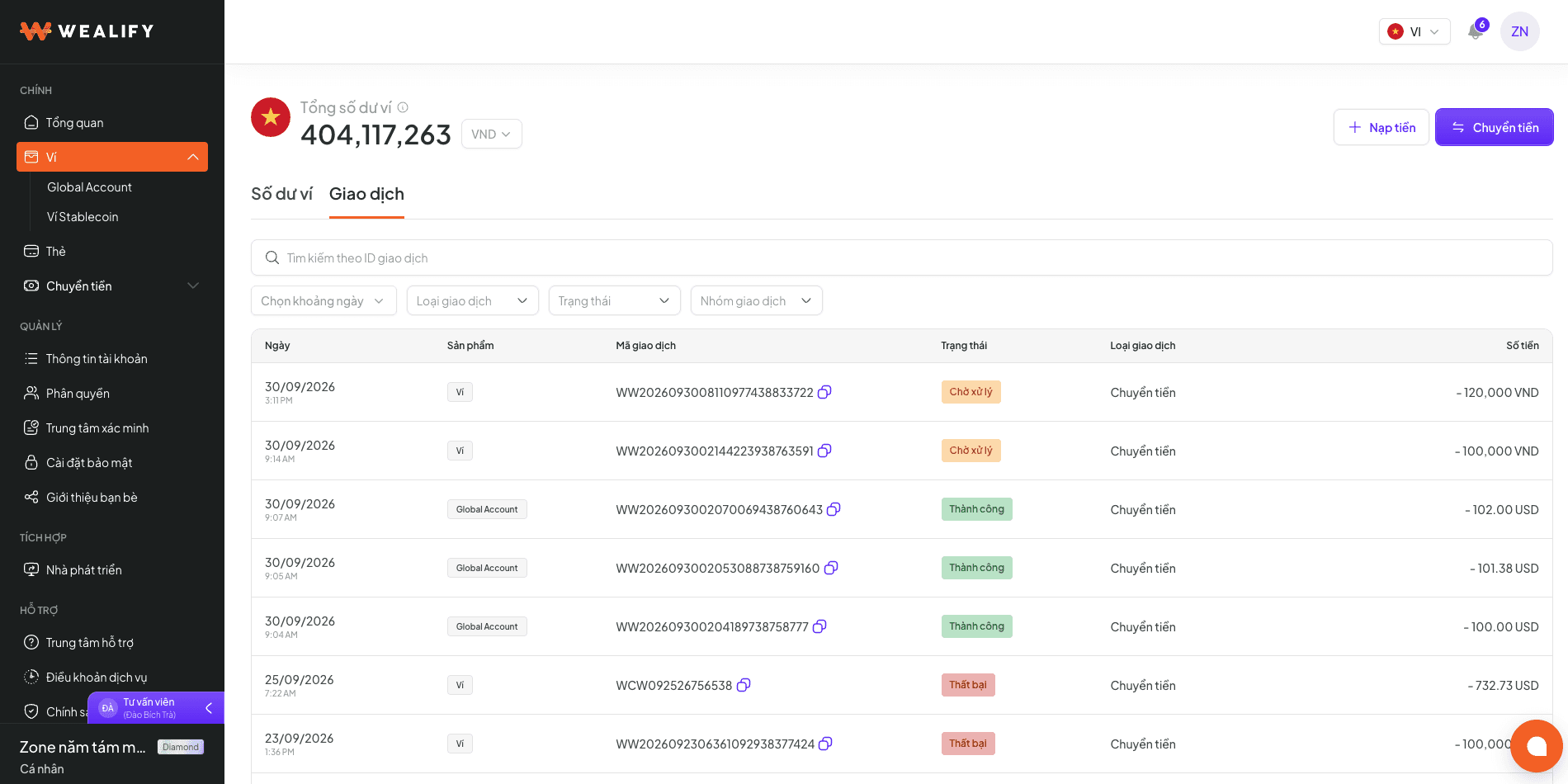
Money is moved from the stablecoin section of your Wealify wallet to the card. Card top-ups are only done in the Cards section, not in the Transfer flow.
In the card details, click Top up card. Click Change card if you want to choose a different card.
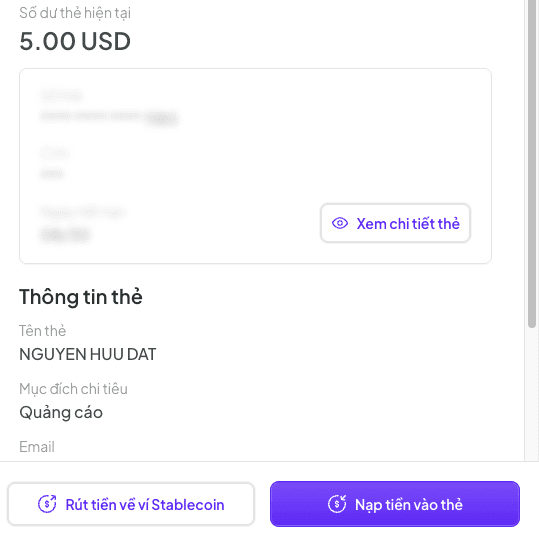
Enter the amount, or tap a quick option: 500 / 1,000 / 2,000 / 5,000. The screen shows your Wealify wallet balance and card balance.
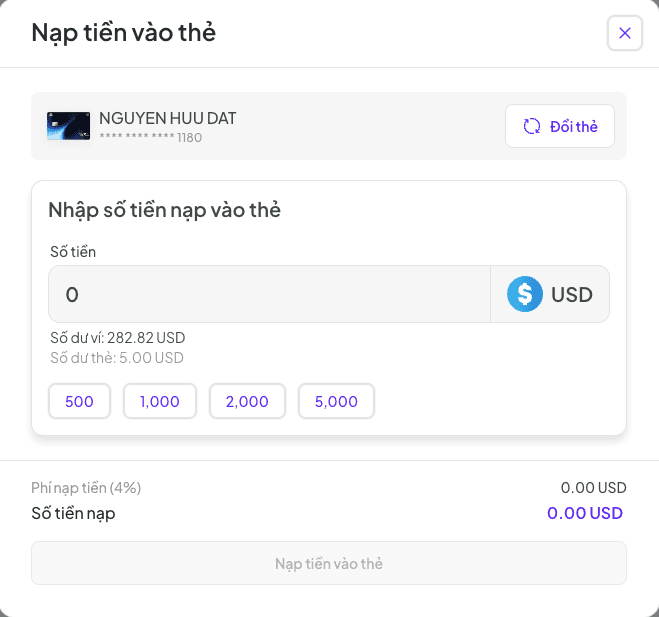
Check the Top-up fee and Top-up amount (total deducted from your Wealify wallet), then click Top up card.
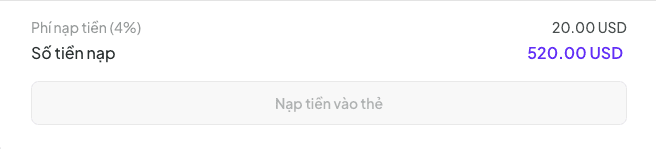
The card receives exactly the amount you enter; the top-up fee is added to the amount deducted from your Wealify wallet. For fees and minimum top-ups by card type, see the Card fee schedule.
A Frozen card can't be topped up.
Withdraw from a card to your Wealify wallet
You can withdraw the card balance to the stablecoin section of your Wealify wallet without waiting for approval. The money is held for up to 14 business days before it reaches your Wealify wallet.
Why doesn't the money arrive right away? Withdrawals are held for up to 14 business days to cover possible disputes from merchants about transactions you've made with the card.
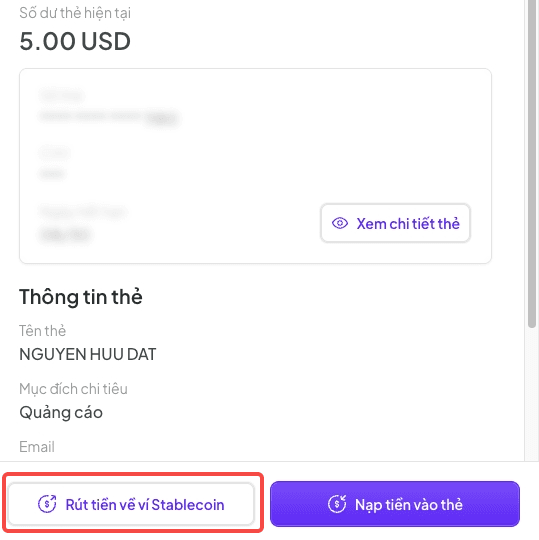
In the card details, click Withdraw to stablecoin wallet.
Enter the amount (no more than the card balance) and confirm.
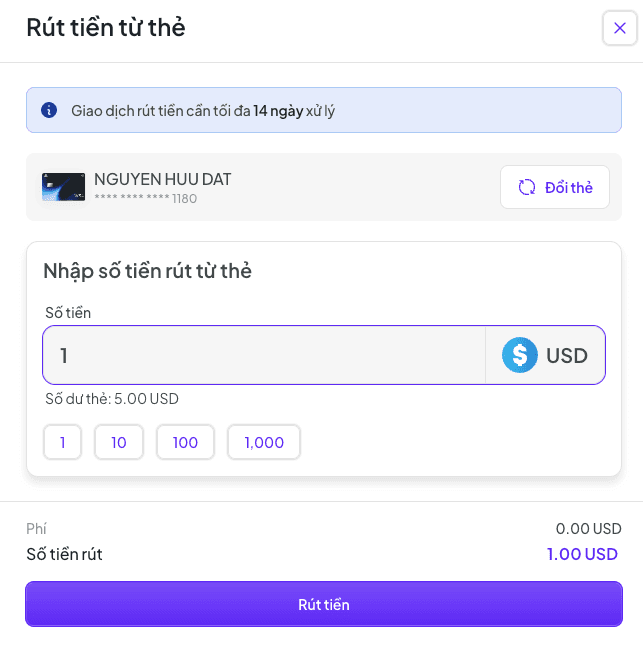
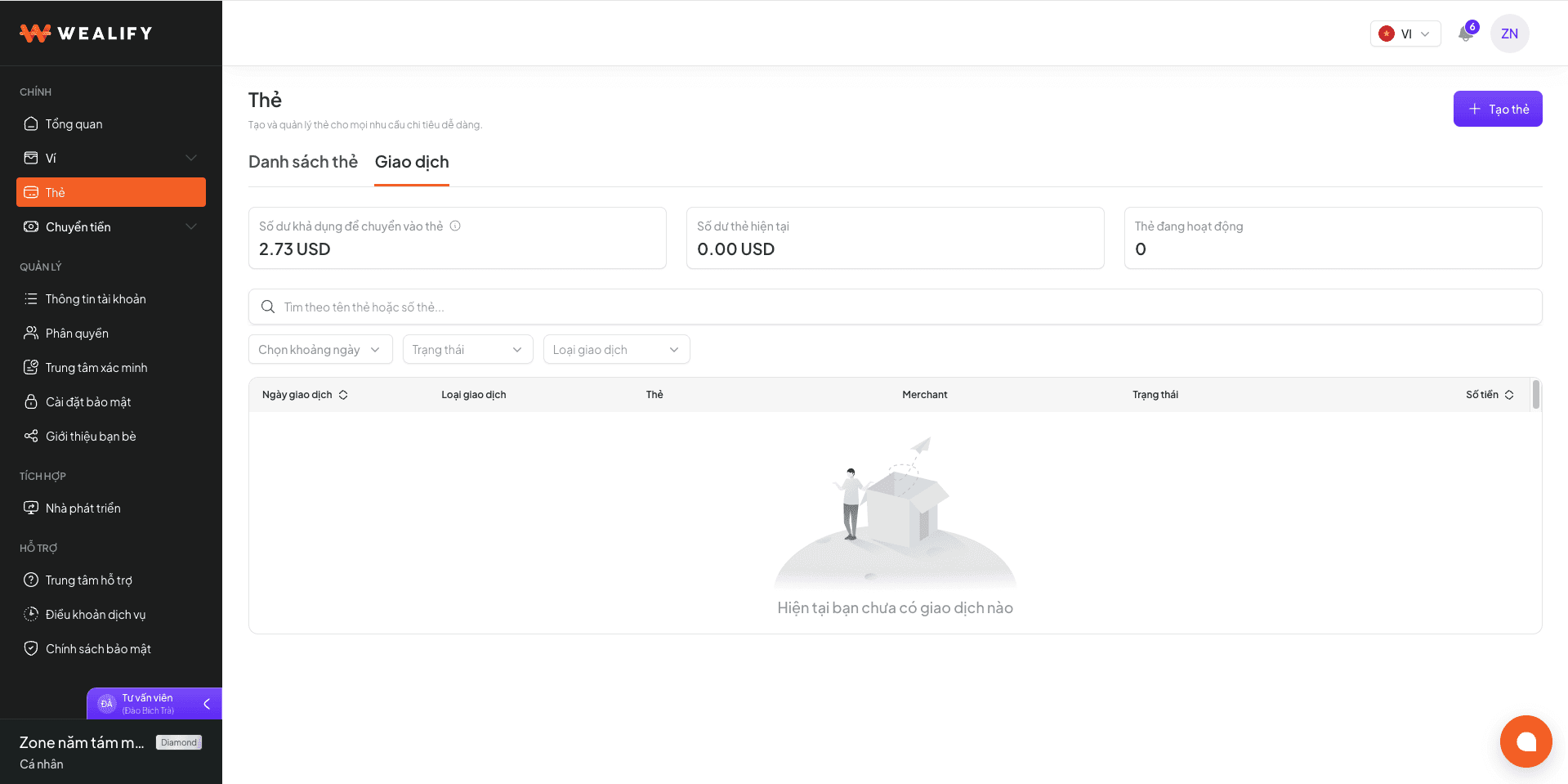
The card balance decreases right away. The history shows a Withdraw from card transaction with the status Processing.
When the holding period ends, the money reaches your Wealify wallet and the status changes to Completed.
Notes:
A Frozen card can't be withdrawn from.
If you need to move money to an external wallet, allow for this holding period before creating a USDT transfer order.
If you only want to stop using the card for a while, freeze the card — the balance stays on the card.
Freeze and unfreeze a card
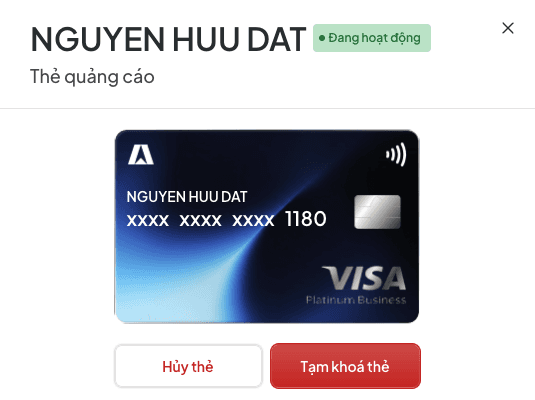
Freezing a card declines all transactions, while the card and its balance are kept. Virtual cards have no maintenance fee, so you can keep one frozen for a long time at no cost. Physical cards, however, have a maintenance fee of 20 USD/month, charged even while frozen; it's waived if you spent more than 5,000 USD with the card in the previous month. To stop the fee, you need to cancel the card.
Freeze: in the card details, click Freeze card and confirm. The status changes to Frozen, and you receive the email "Your card has been paused at your request".
Unfreeze: open the details of the frozen card and click Unfreeze card. The status returns to Active.
While frozen, the card can't: make payments · be topped up · be withdrawn to your Wealify wallet · show the card number / CVV.
Cancel a card
If you only want to stop using it for a while, freeze the card instead of cancelling it.
In the card details, click Cancel card and confirm.
The status changes to Cancelling, then Cancelled.
The remaining balance on the card is refunded to your Wealify wallet. You receive a card cancellation confirmation email and a refund email.
After cancelling:
The card can't be restored. If you need a card again, create a new one and pay the issuance fee.
Cancelled cards still count toward your tier's card limit.