Add a bank account to receive VND
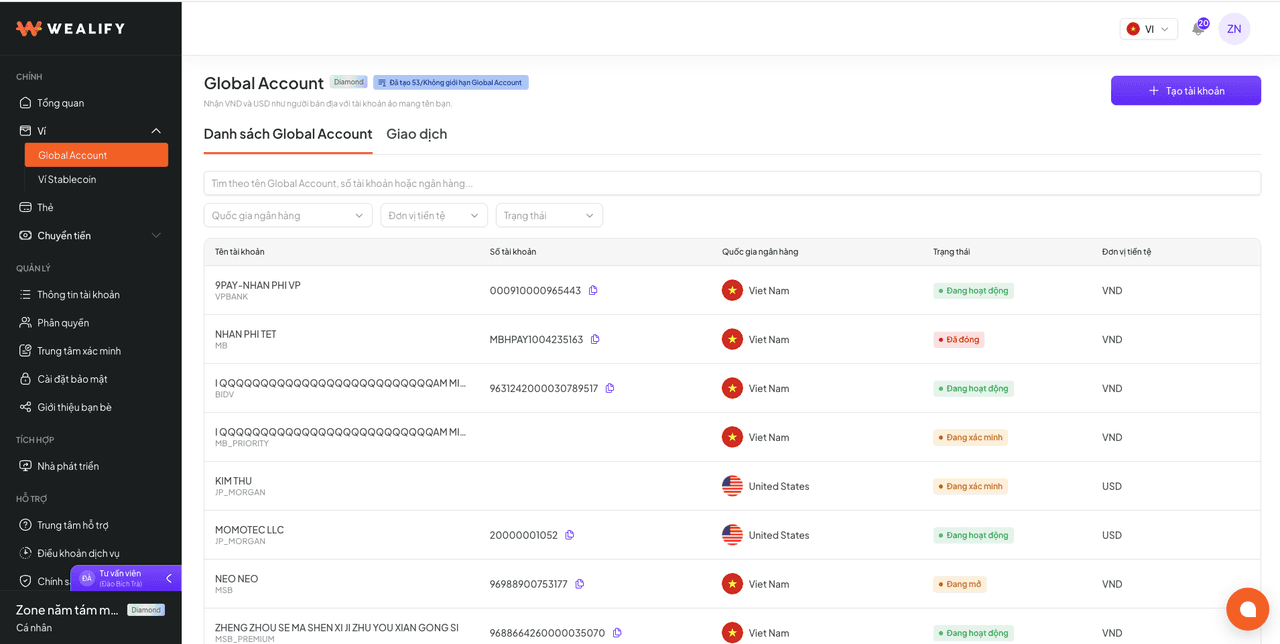
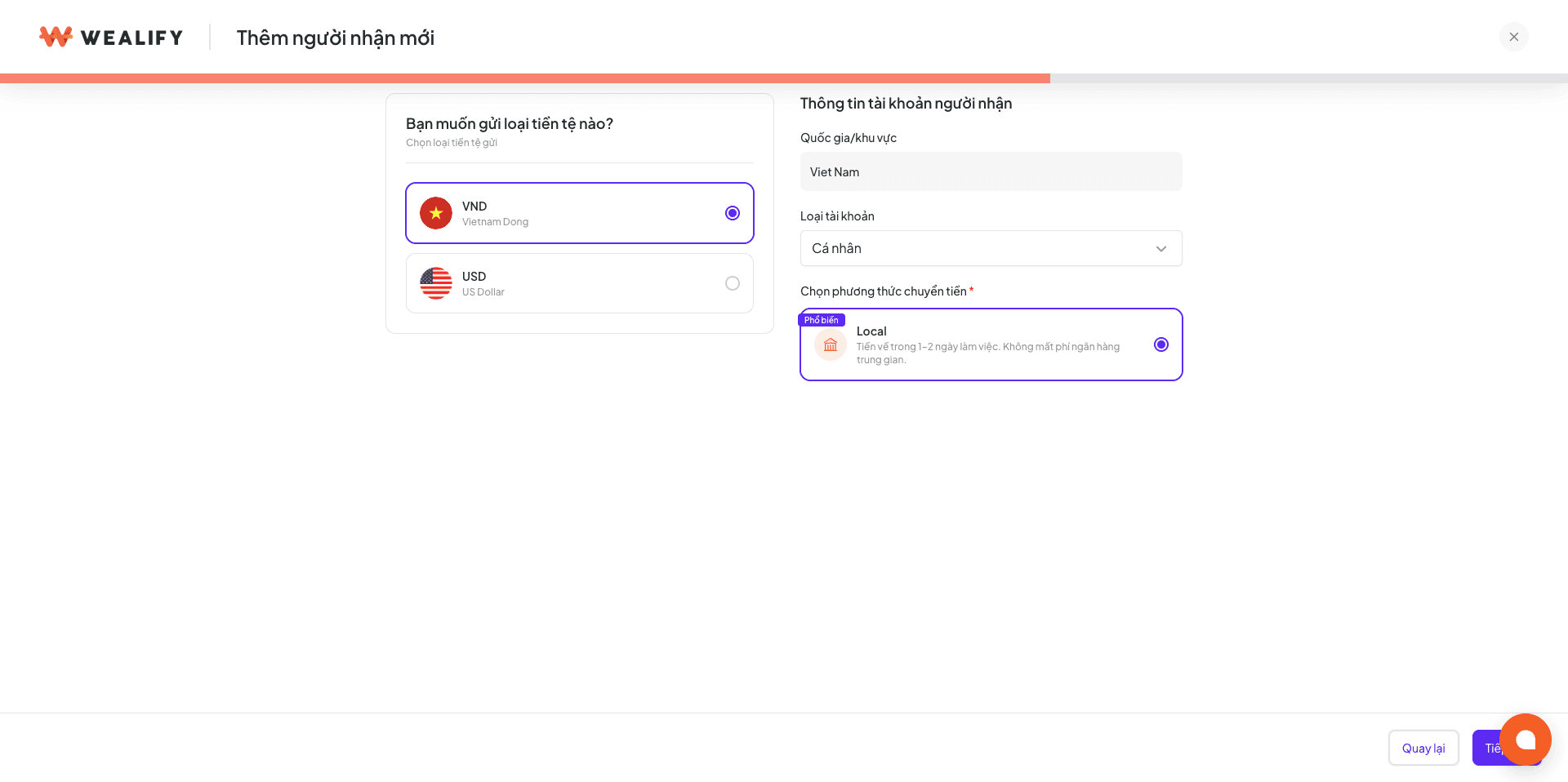
Choose Transfer → Recipients → Add new recipient → Bank account → Continue.
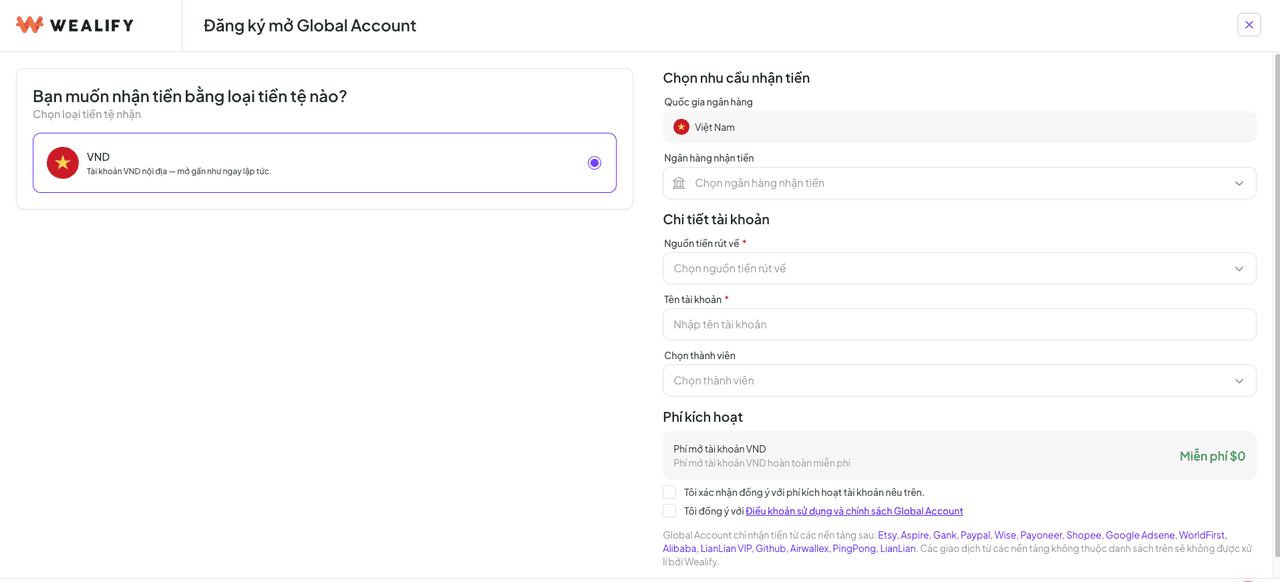
Choose the currency VND → Continue. The method is set to Bank Transfer (VND) automatically.
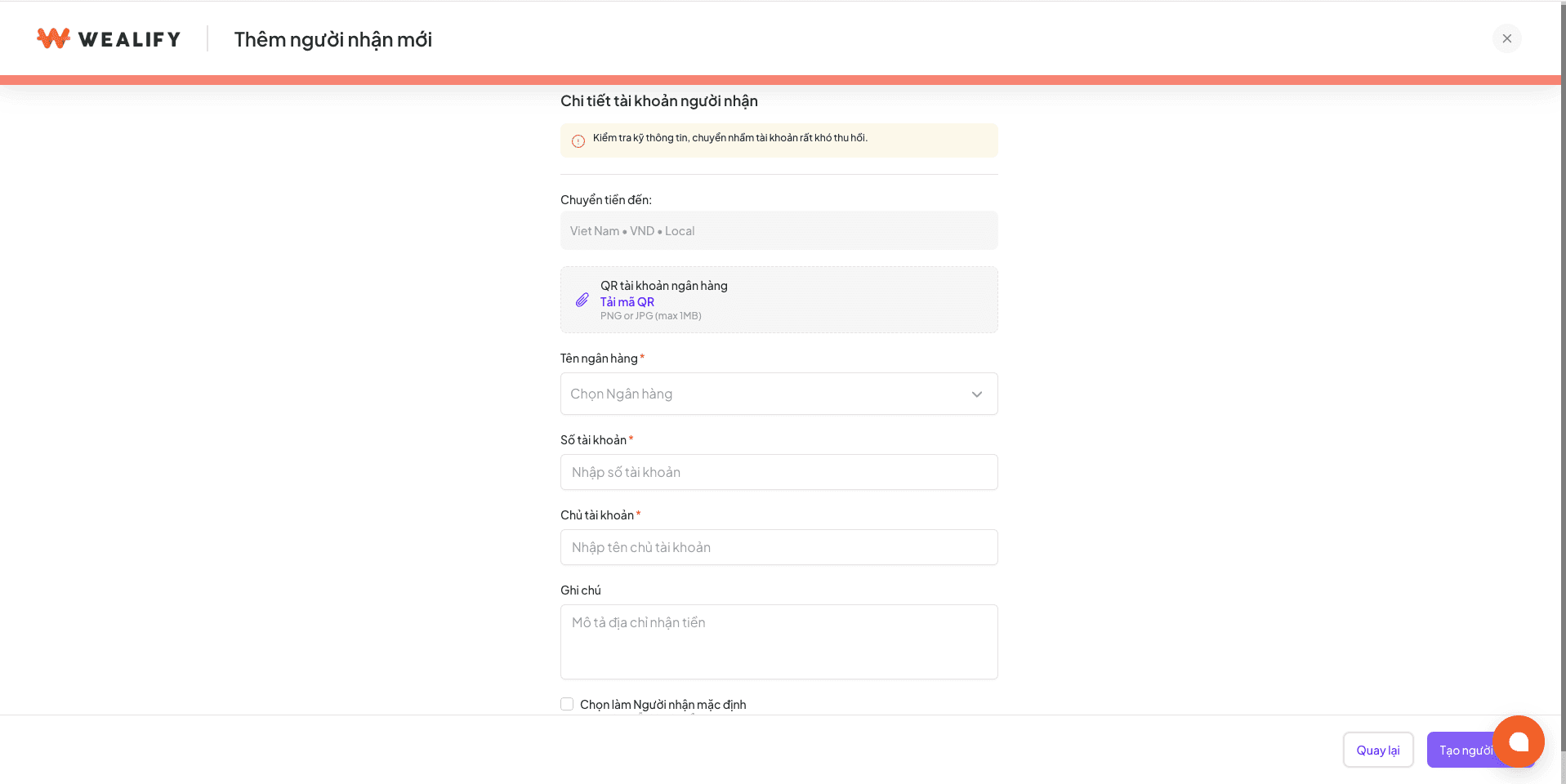
Fill in your information:
Field | How to fill it in |
|---|
Bank account QR (optional) | Upload the account's QR code image (PNG / JPG, up to 1 MB) to pre-fill the bank, account number and account holder. You can still edit them |
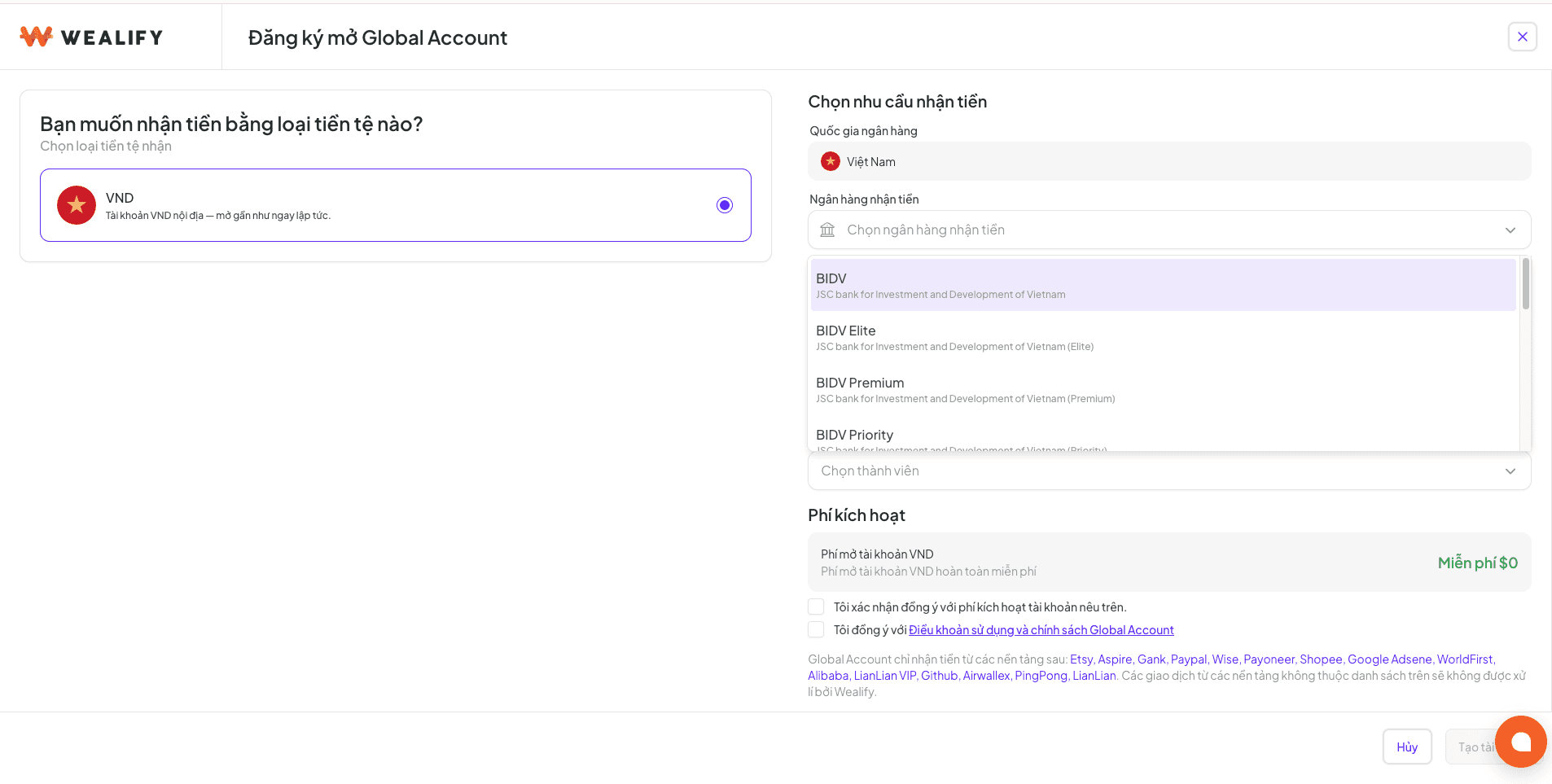
Bank name | Choose from the list |
Account number | Enter it exactly |
Account holder | Exactly as registered at the bank |
Note, Nickname (optional) | Helps you tell recipients apart |
Set as default recipient | This recipient is pre-selected when you transfer VND |
Choose Create recipient and enter the OTP if asked.
⚠️ CHECK THE BENEFICIARY DETAILS CAREFULLY
For the withdrawal to succeed, the beneficiary's name and account number must be 100% correct. If they don't match, the bank will return the order (see the Additional information required status in the article Track transfer orders and processing times (6.4.5)).
Delete a saved VND bank account
Choose Transfer → Recipients in the left menu. The recipient list appears. Switch to the Bank account tab: the three-dot button doesn't appear on the All tab.
On the recipient you want to delete, click the three-dot button at the end of the row → choose Delete recipient.
⚠️ NOTE WHEN DELETING RECIPIENTS
A recipient labeled Default can't be deleted. Please click the three dots on another VND recipient, choose Set as default, then go back and delete the old recipient.
Only the account owner can see Recipients. Staff accounts (Finance, Seller) can't open the recipient list; they can only pick an existing recipient when creating a transfer order.
Steps to withdraw VND to a Vietnamese bank
Money is always taken from the Available balance of your Wealify wallet. For what the available balance is, see the article Wallet balance (8.1.1).
You can only transfer to a saved recipient.
Every transfer order requires an OTP code. If the OTP is wrong, cancelled or expired, the order isn't created and no money is held.
Once created, you can't cancel the order yourself. If you chose the wrong recipient, please contact Wealify CS immediately.
Steps:
Choose Transfer on the Overview screen, the Wallet screen, or the Transfer menu.
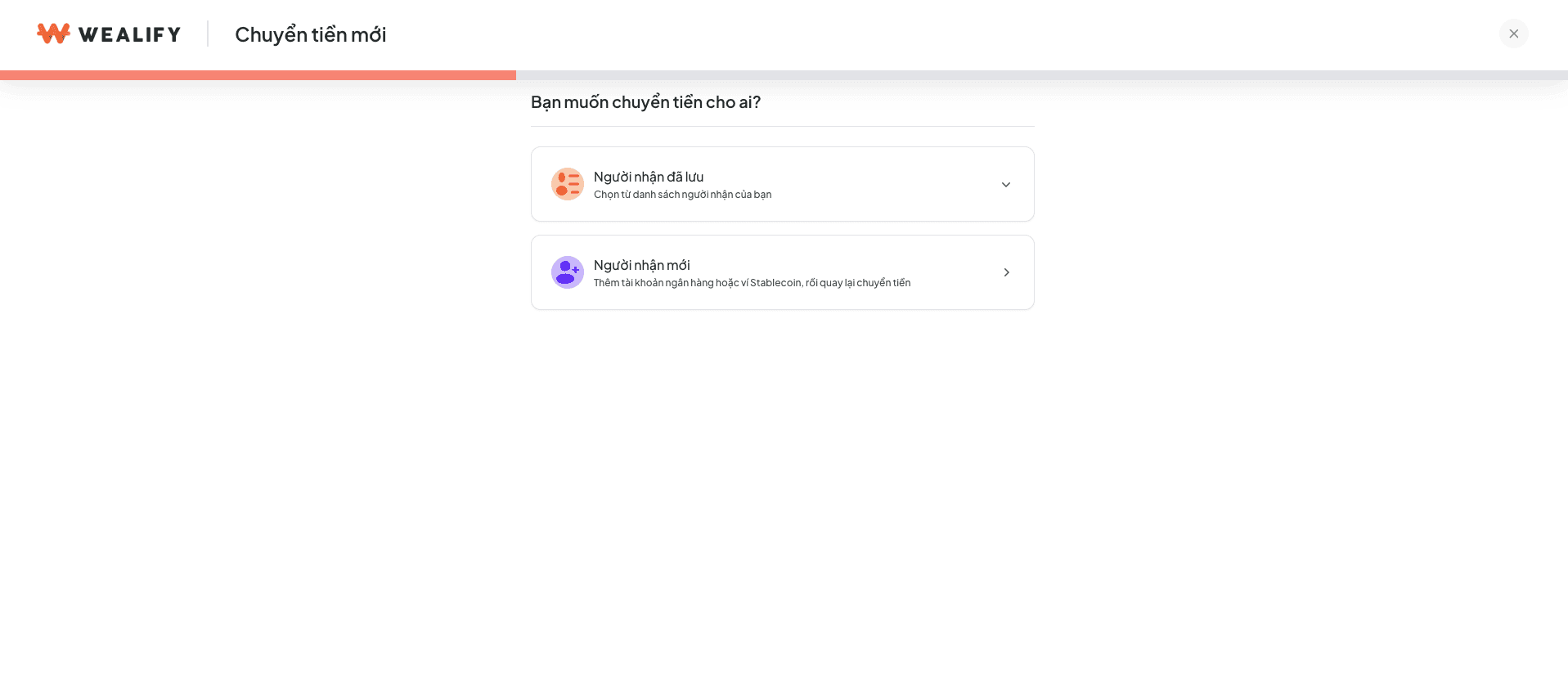
Choose the recipient: open the Bank account tab and choose a saved VND bank account. The order is set to VND automatically.
Enter the amount in the You pay field. The screen shows the Transfer fee (withdrawing VND to a bank: free) and the amount the recipient Receives.
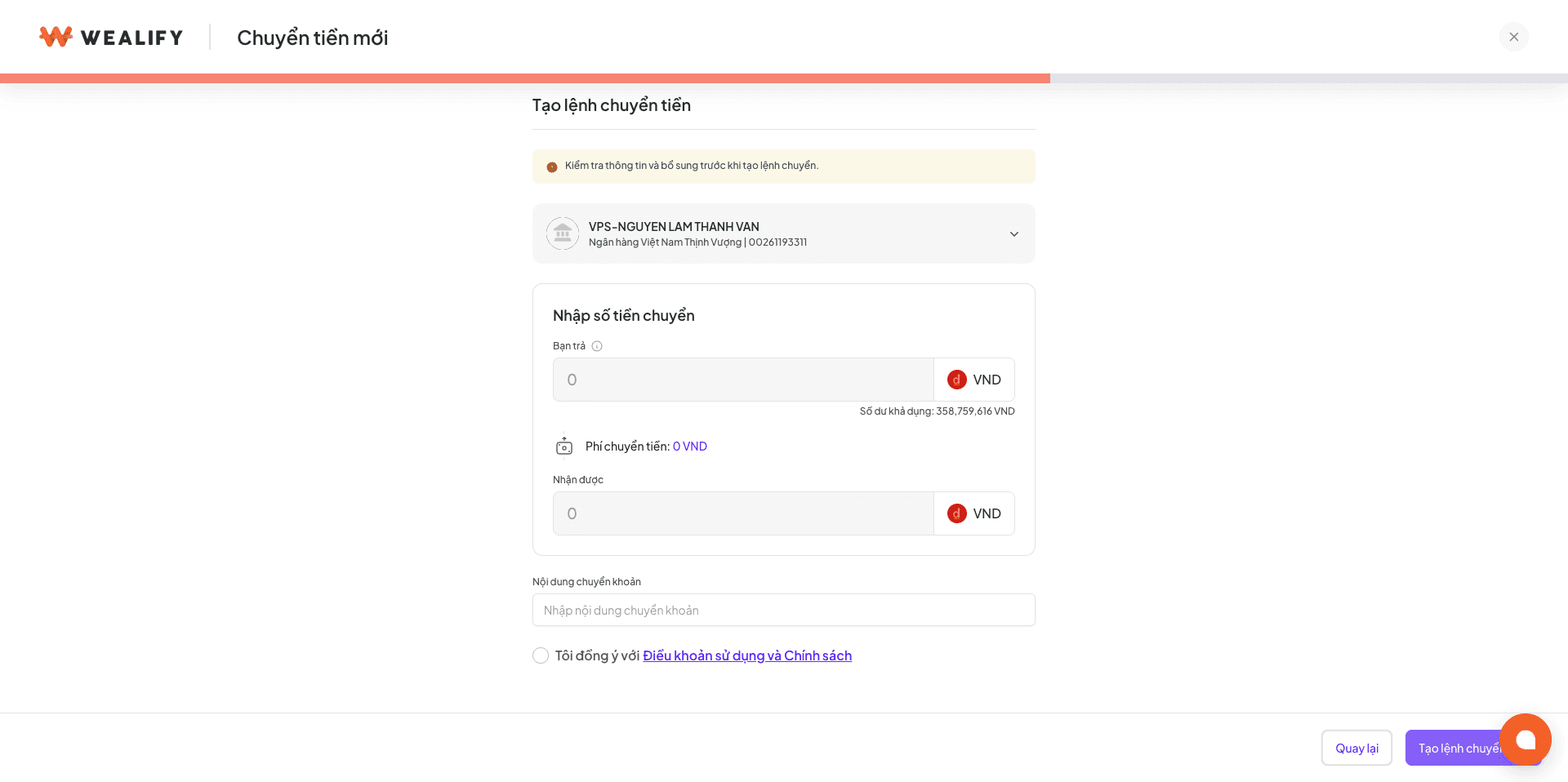
Enter the Transfer description — Gold and Diamond only: up to 75 characters, entered once when creating the order and can't be edited after sending. Other tiers skip this step.
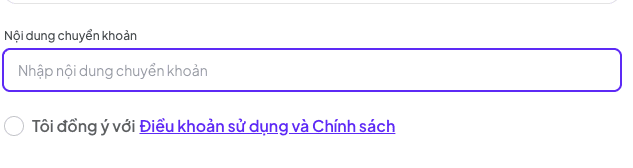
Tick I agree to the Terms of Use and Policy, then choose New transfer order.

Enter the OTP code to confirm the order.
The order appears in the Transfer list with the status Pending, and the amount moves from your available balance to held funds until the order is complete.
How long money takes from Wealify to a domestic Vietnamese bank
Wealify approves orders from 10:30 to 15:30, Monday to Friday. Orders created after 15:30 are processed on the next business day. If you haven't received the money after this time, please contact Wealify CS.
Item | Details |
|---|
Fee | Free |
Limit | Up to 2 billion VND per day per account. If you go over, the screen shows how much you can still transfer. |
Time between 2 orders | At least 30 seconds |
Orders over 290 million VND | Automatically split into several orders, each 290 million or less |
Transfer description | Only Gold and Diamond accounts can enter one. Up to 75 characters (letters and numbers), entered once when creating the order and can't be edited after sending. Don't use sensitive words — violating content will be edited or removed. If left blank, the bank only receives the transaction ID |
Time | Wealify approves orders from 10:30 to 15:30, Monday to Friday. Orders created after 15:30 are processed on the next business day |
Enter a transfer description when withdrawing VND to a bank
The transfer description is the text shown on the recipient's statement. Only Gold and Diamond accounts can enter one. Up to 75 characters, letters and numbers only. Entered once when creating the order and can't be edited after sending. If left blank, the bank only receives the transaction ID.
Track transfer orders and processing times
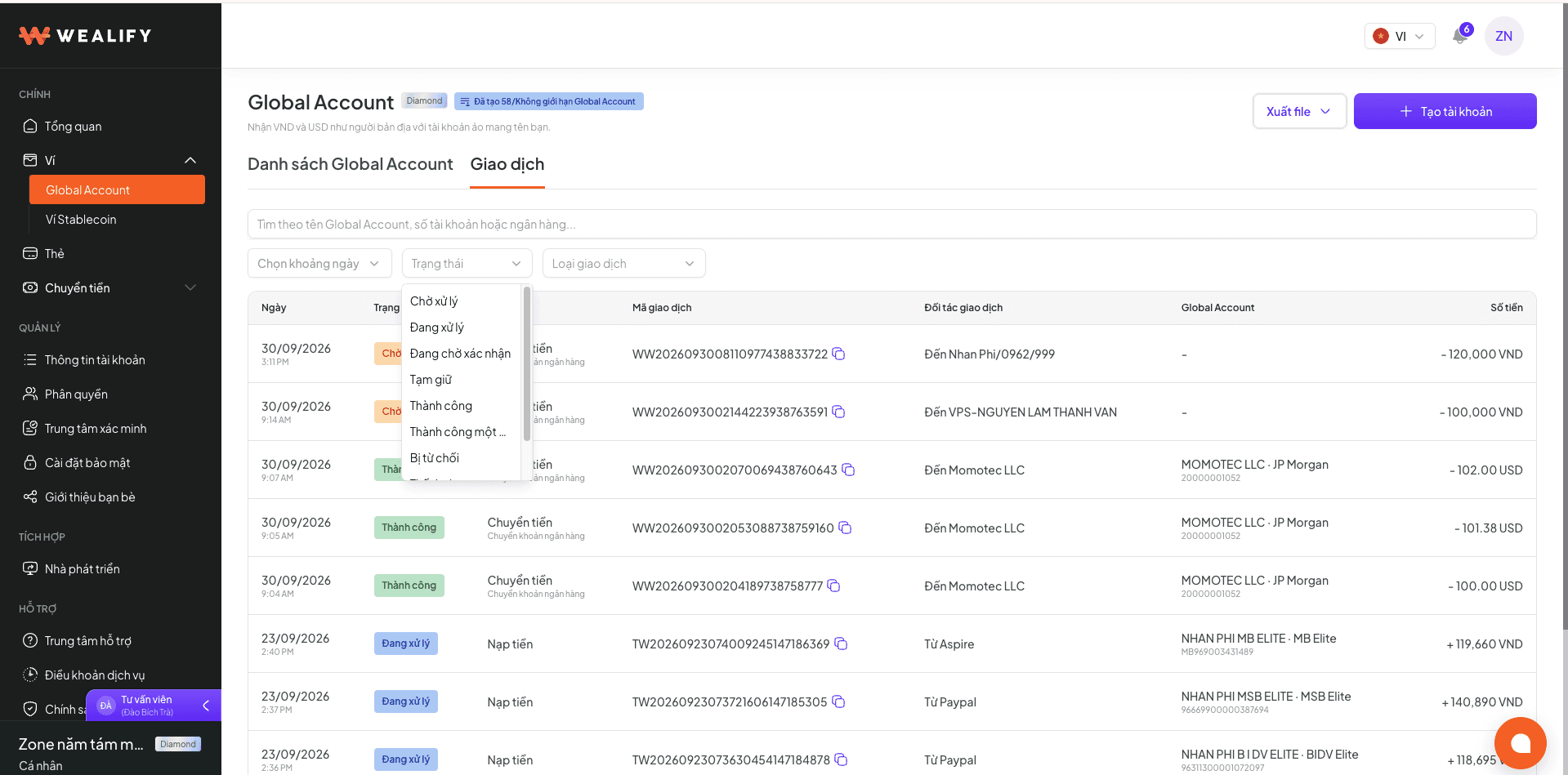
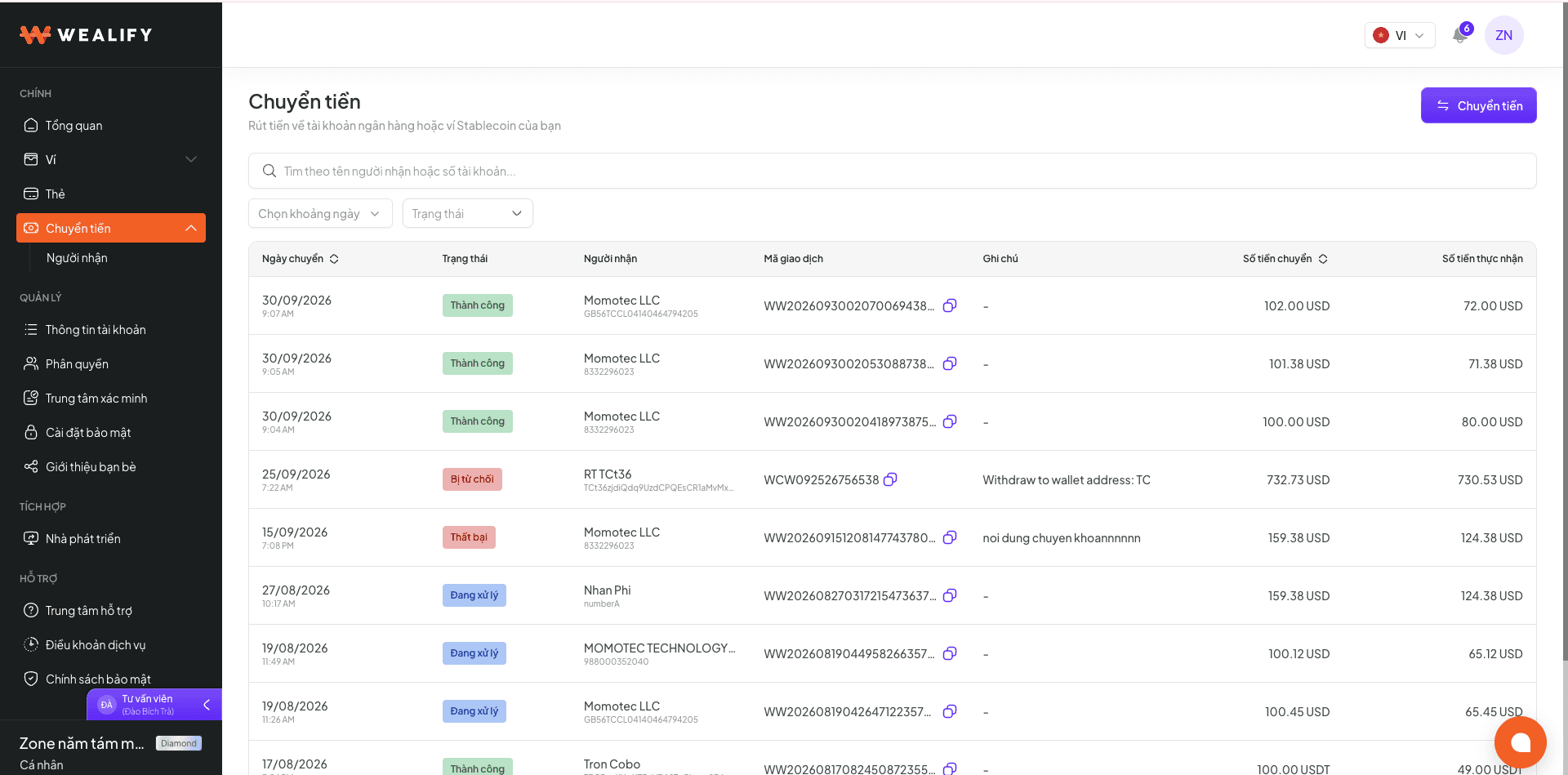
The Transfer menu lists every order with: date, status, recipient, transaction ID, note, amount sent and amount received. You can filter by date range and status. Choose an order to see its details and the timeline of each step.
Status | Meaning | Set by | What you need to do |
|---|
Pending | The order is created and the money is held, waiting for Wealify to review it | System | Wait. Orders not processed within 7 days are cancelled automatically and refunded |
Processing | The bank is processing it | System | Wait |
Awaiting confirmation | More information is needed, or the order is under further review | Wealify | Read the email and provide information if asked |
Additional information required | The bank reports that the recipient name doesn't match | Bank | Update recipient name Open the transfer order details. Choose Update recipient name. Enter the name exactly as registered at the bank and save. The order is sent to the bank again.
⚠️ NOTEYou can update it up to 3 times. After 3 times, Wealify reviews the order and contacts you within 1 business day. If you don't update it within 7 days, the order is cancelled automatically and the money is refunded to your Wealify wallet.
|
On hold | The order is on hold for review | Wealify | Wait. Wealify will contact you if needed |
Successful | The money has reached the recipient | System | No action needed |
Partially successful | The VND order was split and part of it isn't complete yet | System | View the details of each part |
Rejected / Failed | The order couldn't be completed; the reason is shown. The money and fees have been refunded to your Wallet | Bank / Wealify | Check the recipient details and create a new order, or contact Wealify CS |
Cancelled | The order was cancelled and the money refunded to your Wallet | System | Create a new order if needed |
Can't create new transfer orders
If the system detects an unusual number of failed orders, Wealify temporarily locks the ability to create new transfer orders. Orders already being processed are not affected.
Please contact Wealify CS to have it unlocked.
FAQ about transferring from Wealify to a domestic bank
Question | Answer |
|---|
What if I created an order to the wrong recipient? | You can't cancel an order yourself once it's created. Please contact Wealify CS immediately for help before the order is processed |
Am I charged a fee for a failed transfer? | No. The full amount and fees are refunded to your Wealify wallet. For USD orders, you'll receive two notifications: "money is being refunded to your Wallet" and "refunded to your Wallet" |
Why does a VND order created outside working hours still show Pending? | The order is processed during the bank's next working hours. This isn't an error |