
Getting started with Wealify

What is Wealify

Wealify helps sellers and businesses receive money from e-commerce marketplaces, payment gateways and partners; hold money in a wallet; transfer money to a bank or an external wallet; and pay with a virtual Visa card.

Product

What it's for

Global Account VND

A VND receiving account at a Vietnamese bank, in your name (the account name can be customized). You add this account number to your account on one of the 13 platforms Wealify accepts to receive money

Global Account USD

A USD receiving account in your name or your business's name, opened at a US bank. Receive money from e-commerce marketplaces, payment gateways (Ecom), senders with the same name as the account holder (Same name) and business partners (B2B). Payers send via ACH, Wire or SWIFT

Wallet

Where all your Wealify balances are kept, split by currency: VND, USD, stablecoin

Stablecoin wallet

Addresses to receive USDT / USDC on the Tron, Solana and Ethereum networks

Virtual Visa card

Two types: General spending cards (in the Volcano app) and Advertising cards (in the Zenith app). Use them to pay online, run ads and spend

⚠️ NOTE: VND BALANCES CAN'T BE USED TO TOP UP CARDS

Card top-ups only come from the stablecoin section of the Wallet. Your USD balance can be converted to USDT, but only for money from marketplaces / payment gateways or from senders with the same name as the account holder — see the article Transfer USDT to the stablecoin wallet.
Choose a Personal or Business account

Wealify has two account types: Personal accounts and Business accounts.

⚠️ NOTE: YOU CAN'T CHANGE THE ACCOUNT TYPE AFTER IT'S CREATED

If you chose the wrong type, you need to sign up for a new account with a different email and contact Wealify CS to close the old account.


Personal

Business

For

Sellers, freelancers and individuals receiving payments from marketplaces, partners or e-wallets

Companies and household businesses with a valid business license

Initial verification

KYC: Citizen ID card (CCCD) or passport

KYB: business license, company charter, director and owner information

Holder of the USD receiving account

You

The business entity

Staff accounts

Yes

Yes, with role-based permissions

Sign up for a Wealify account

Steps:

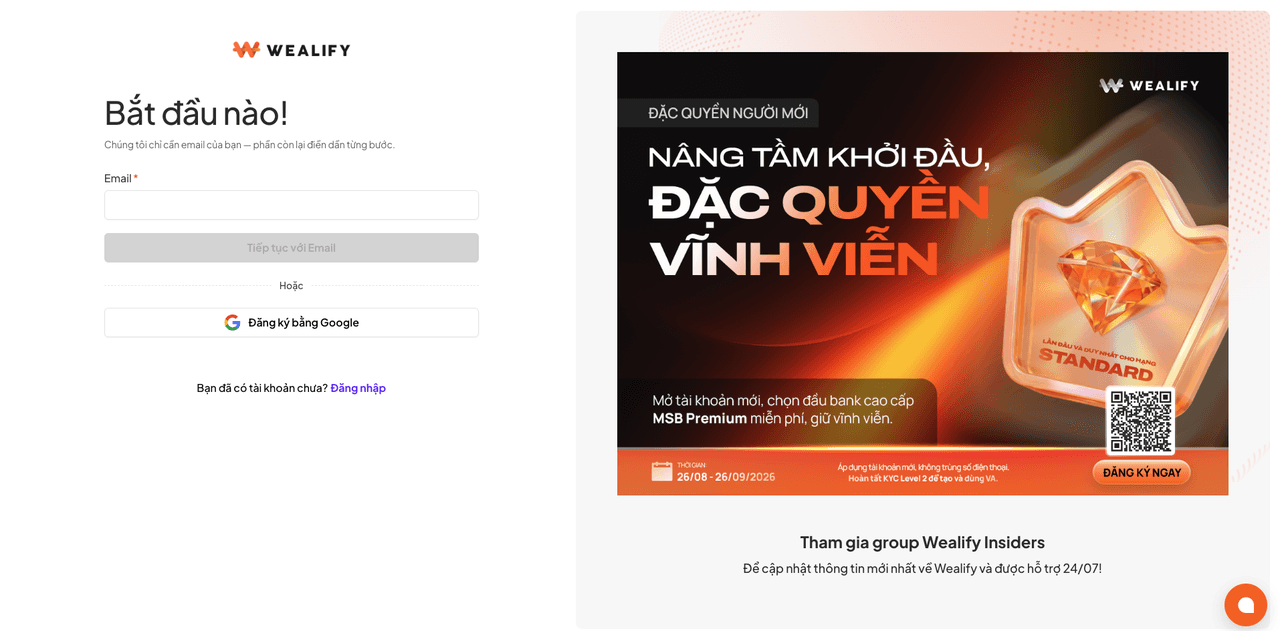
  1. On the login screen, choose Sign up. Enter your Email and choose Continue with Email, or choose Sign up with Google.

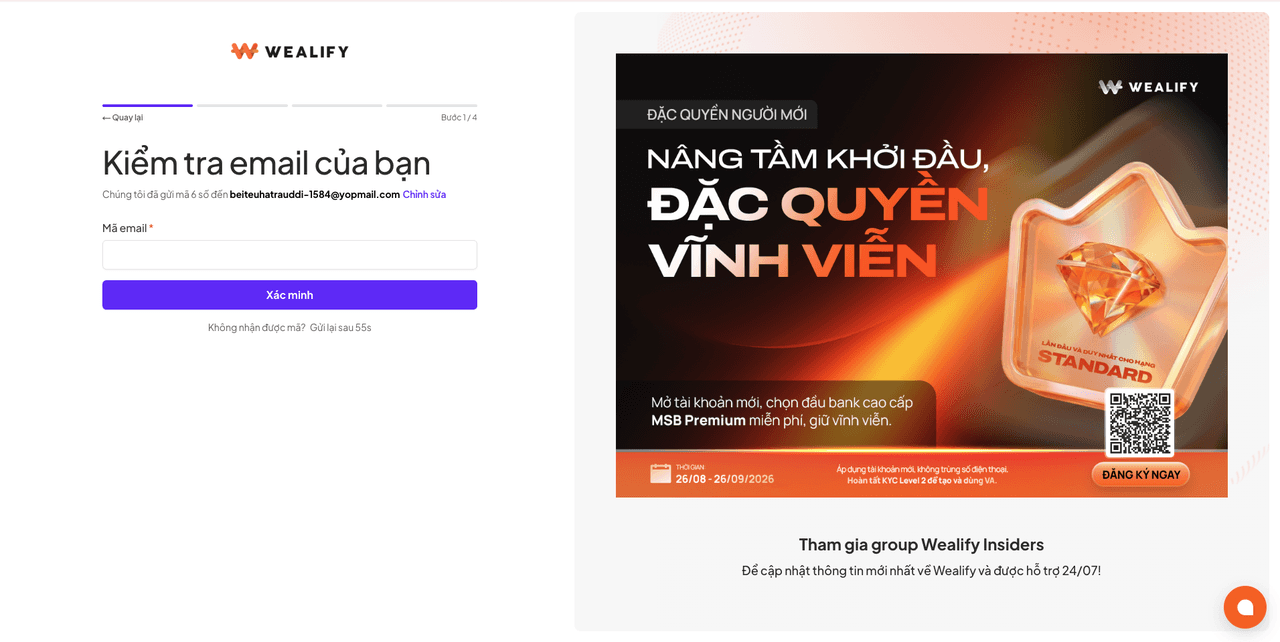
  2. Enter the 6-digit verification code sent to your email. The code is valid for 10 minutes.

  3. Fill in your information:

    Field

    How to fill it in

    Full name

    Exactly as on your Citizen ID card / passport, with Vietnamese diacritics, no numbers or special characters. For business accounts, this is the name of the account manager

    Phone number

    The number you currently use. It will be verified via Telegram

    Account type

    Personal or Business. If you choose Business, you need to tick the box confirming you are authorized to represent the business

    How did you hear about Wealify

    Optional

    Password

    At least 8 characters, including both letters and numbers. Not needed if you sign up with Google

    Accept the terms

    Tick both boxes: Terms of Use and Personal Data Processing

  4. Choose Sign up.

Result: the screen shows a reminder to verify your account (KYC or KYB). You can do it now or later.

If you can't sign up:

Situation

What to do

"This email is already in use" message

Each email can only be used for one account, including closed accounts. Please choose Log in or use a different email. If you want to reuse the email of a closed account, please contact Wealify CS

"Email not supported" message

Temporary or disposable emails can't be used to sign up. Please use a personal or company email

Signing up with Google using a company email

Sign up as usual. Your name is pre-filled from Google; please edit it to match your ID documents if needed

Leaving halfway through

The account hasn't been created. Please sign up again from the start

Signing up through a campaign link or partner link

Please don't use an incognito browser and don't change networks / VPN while signing up, so that the promotion is recorded